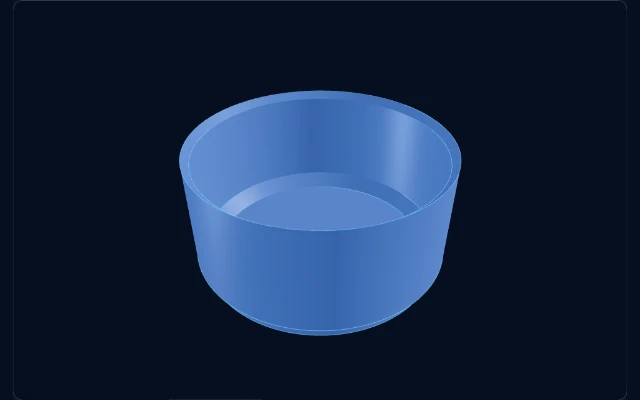
Browser-based modeling
Start adjusting and previewing without installing desktop CAD software.
Shape Shortcut is a no-install browser CAD tool: adjust 3D-printing storage models, preview live, and download the file—all computation runs in your browser, and model downloads are free forever.
Read the docs →The OpenGrid series keeps growing.
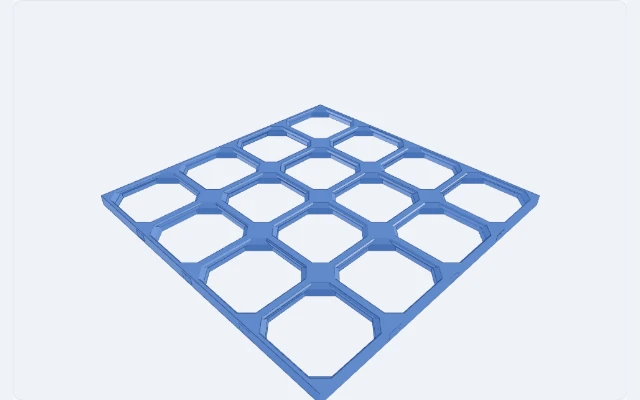
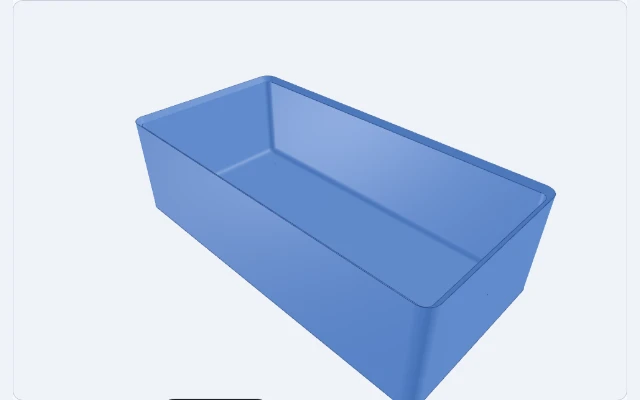
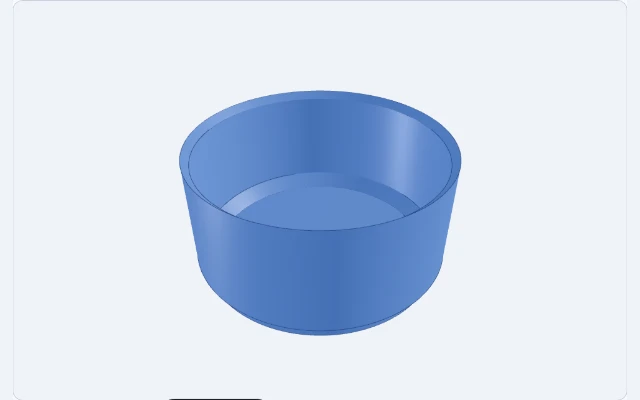
Product capabilities
Start adjusting and previewing without installing desktop CAD software.
Each model has its own dimensions, modes, and live validation.
Inspect the shape as you adjust it before deciding to download.
Download print-ready STL files; OpenGrid Wall Cover also exports dual-color 3MF for multi-color printing, all generated in your browser.
Featured workflow
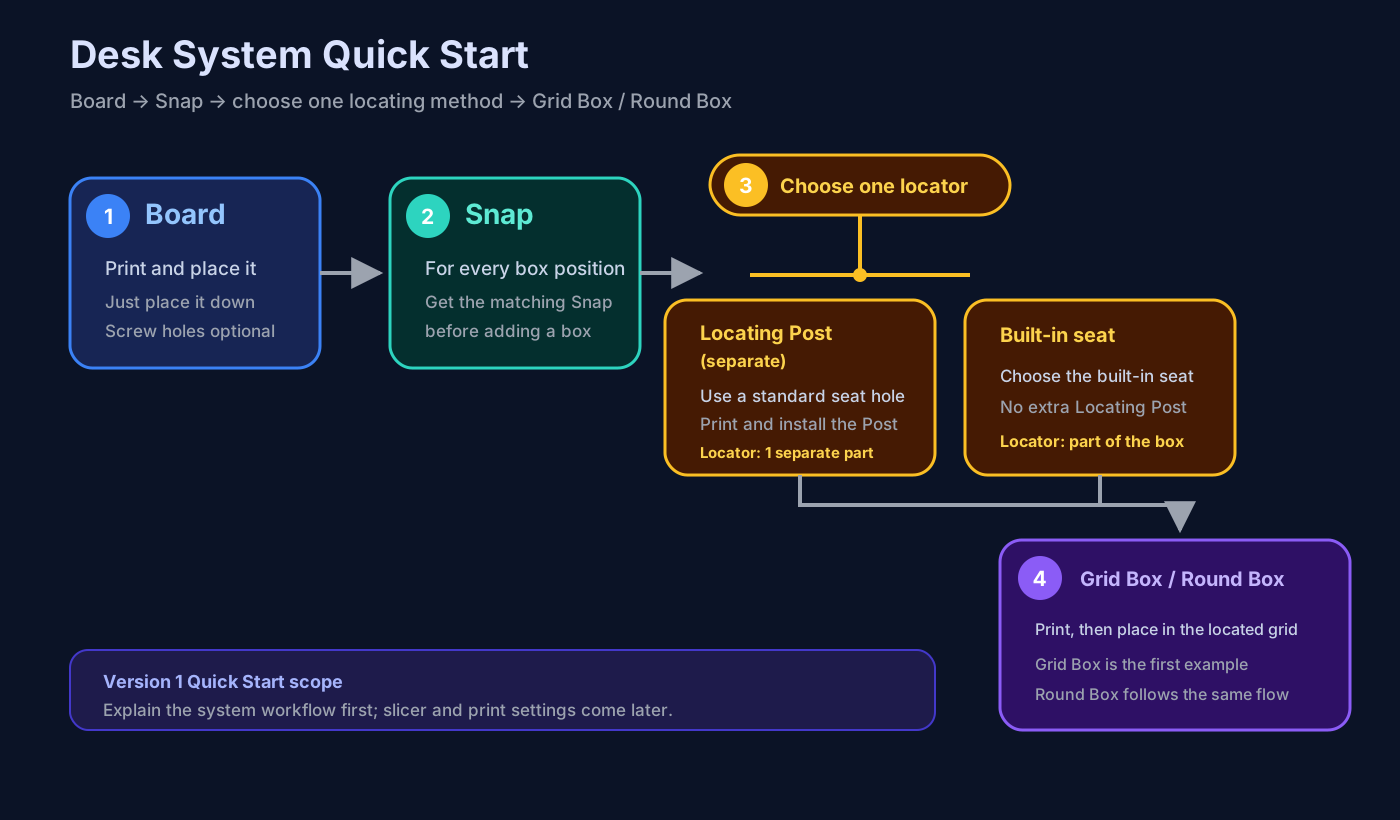
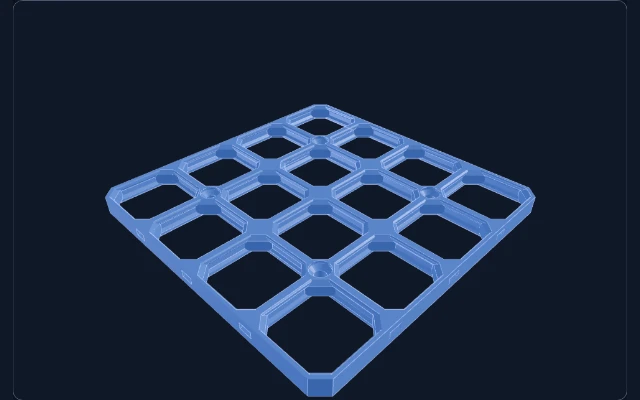
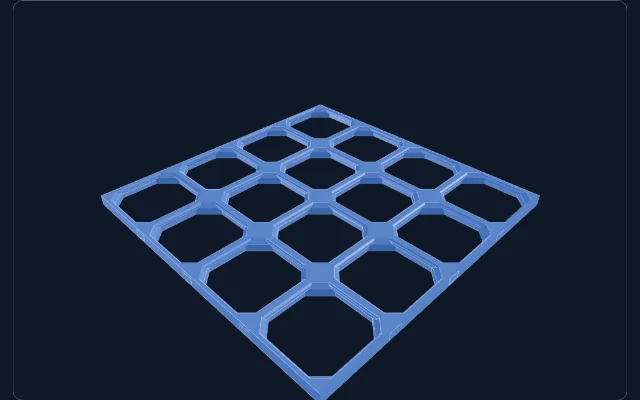
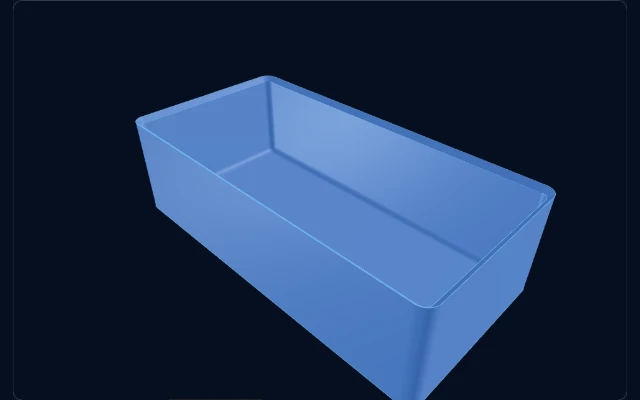
Prepare a Board and a Snap for each box position, choose one locating method, then add a Grid Box or Round Box.
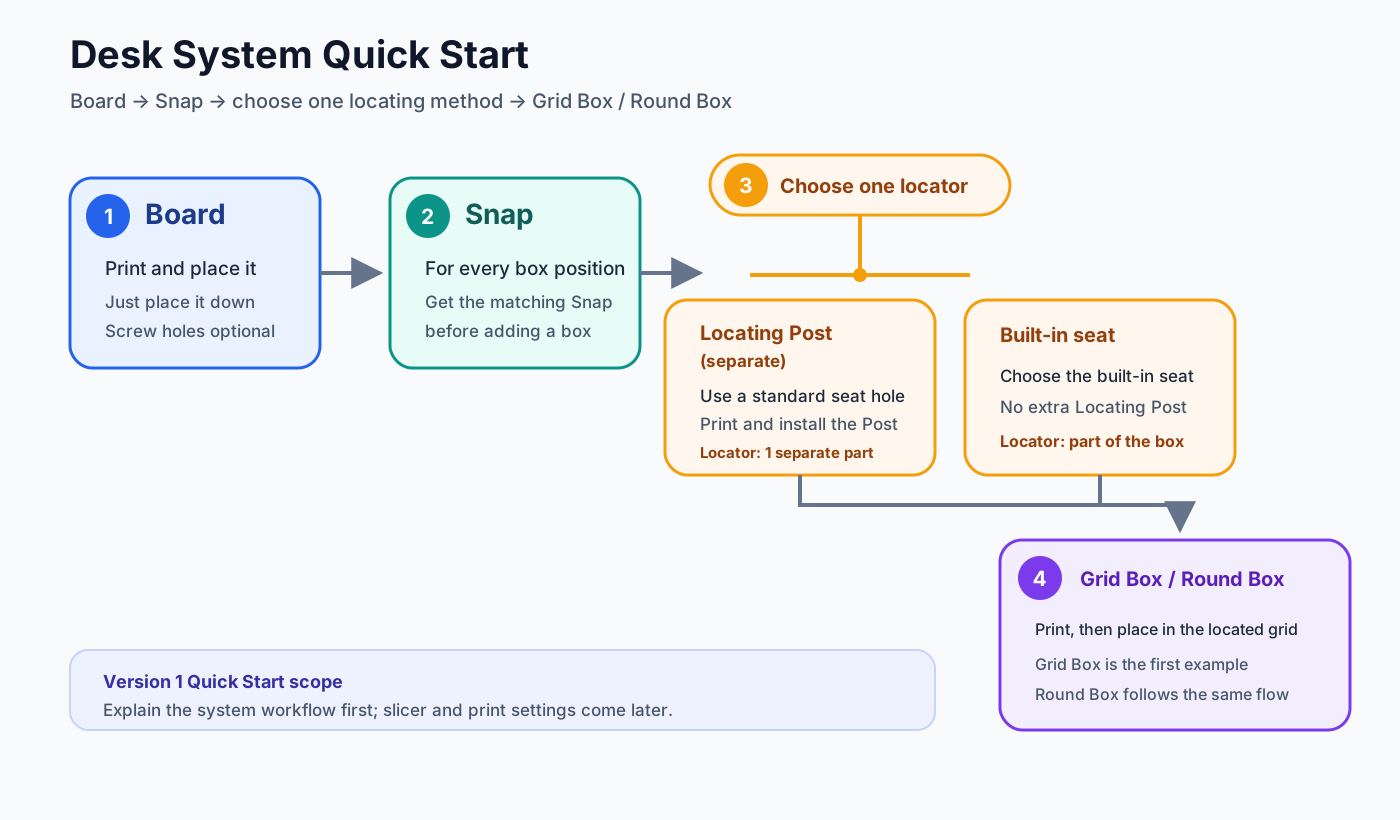
Print it and set it on your desk—no screws required.
Prepare one matching Snap for every box position.
Use a separate locking corner seat or choose the box built-in seat—pick one.
Place the finished container into the prepared position.
Choose a starting point
Start with a desk Board, Snaps, and adjustable containers to build your own Desk System.
Start Desk System →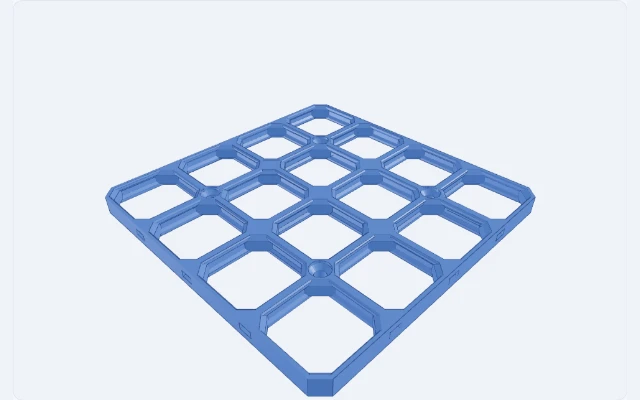
Start from a Board and Snap; Wall Cover exports a dual-color 3MF for multicolor printing.
Explore the wall system →
About Shape Shortcut
I am Blesscat, an independent developer and 3D-printing enthusiast. MakerWorld Customizer is great for quick small customizations, but once a generator grows in parameters and flow, it no longer fits that format; variants of one model can also be scattered across different places. Shape Shortcut is where I am gathering the models and tools I find useful.
Current status: Prototype