Choose a support option

Pick whichever platform is easiest for you — every coffee counts.

Model shelf

Pick one you like, take it home to print

The OpenGrid series and standalone models live here, and new stuff keeps arriving. Found one? Open the details, or head straight to the CAD workspace.

Open the Playground planner

OpenGrid series

Start with a container(Desk System)

Tools are waiting below
ContainersThe ones that actually hold things
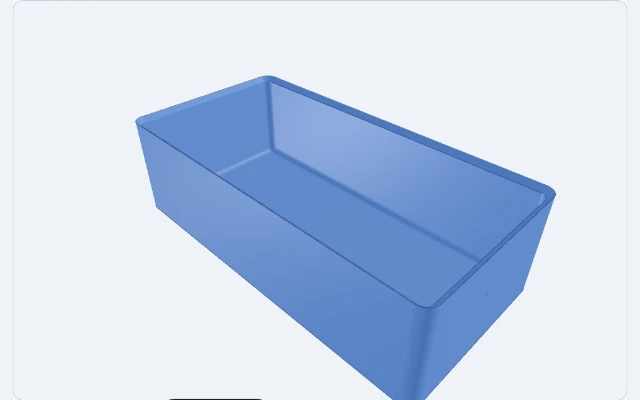
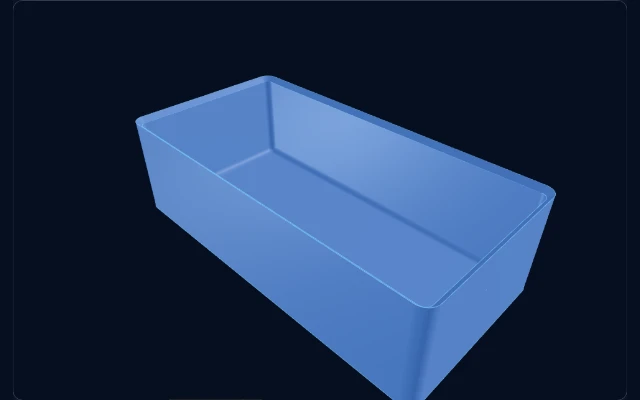
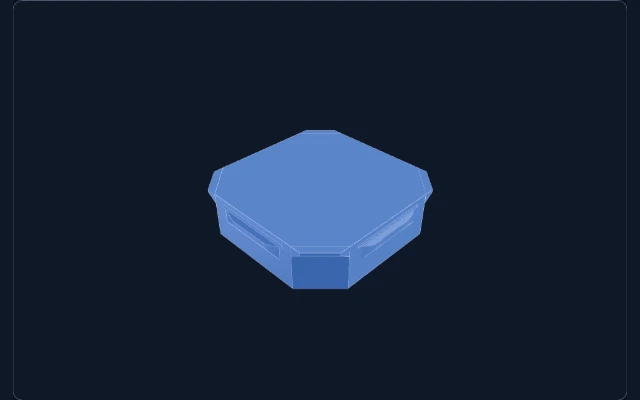
Grid Box previewContainer

Grid Box

The recommended first box. Grid count, height, opening and locating mode — all adjustable, stackable too.
Desk System
Customize model
Details

Grid Box

The recommended first box. Grid count, height, opening and locating mode — all adjustable, stackable too.

Adjustable parameters and ranges

  • X: 0.5–10 cells
  • Y: 0.5–10 cells
  • Inner clear height(Z): 10–500 mm
  • Cut depth(+X): 0–500 mm
  • Opening bottom length(+X): 1–300 mm
  • Side-wall angle(+X): 1–90 °
  • Cut depth(-X): 0–500 mm
  • Opening bottom length(-X): 1–300 mm
  • Side-wall angle(-X): 1–90 °
  • Cut depth(+Y): 0–500 mm
  • Opening bottom length(+Y): 1–300 mm
  • Side-wall angle(+Y): 1–90 °
  • Cut depth(-Y): 0–500 mm
  • Opening bottom length(-Y): 1–300 mm
  • Side-wall angle(-Y): 1–90 °

Export formats: STL (adds dual-color 3MF when the dual-color rim is enabled)

Round Box previewContainer

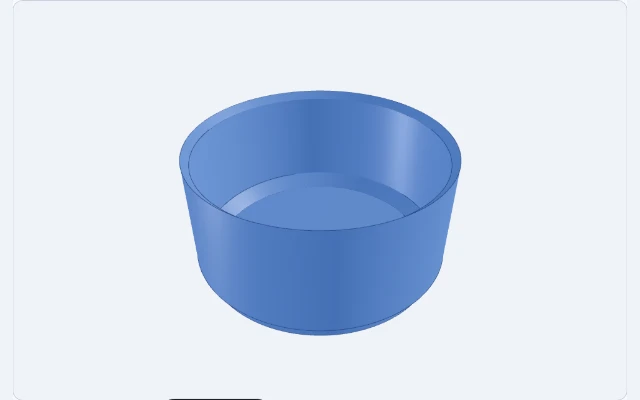
Round Box

The round sibling, equally stackable. Inner diameter, height and opening all listen to you.
Desk System
Customize model
Details

Round Box

The round sibling, equally stackable. Inner diameter, height and opening all listen to you.

Adjustable parameters and ranges

  • Inner diameter(D): 20–300 mm
  • Height(Z): 10–500 mm
  • Cut depth(+X): 0–500 mm
  • Opening bottom length(+X): 1–300 mm
  • Side-wall angle(+X): 1–90 °
  • Cut depth(-X): 0–500 mm
  • Opening bottom length(-X): 1–300 mm
  • Side-wall angle(-X): 1–90 °
  • Cut depth(+Y): 0–500 mm
  • Opening bottom length(+Y): 1–300 mm
  • Side-wall angle(+Y): 1–90 °
  • Cut depth(-Y): 0–500 mm
  • Opening bottom length(-Y): 1–300 mm
  • Side-wall angle(-Y): 1–90 °

Export formats: STL (adds dual-color 3MF when the dual-color rim is enabled)

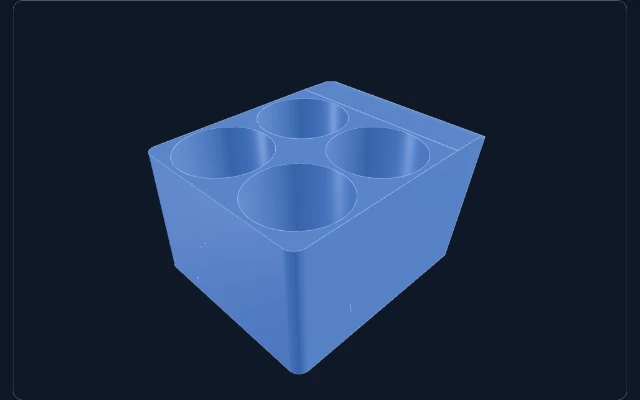
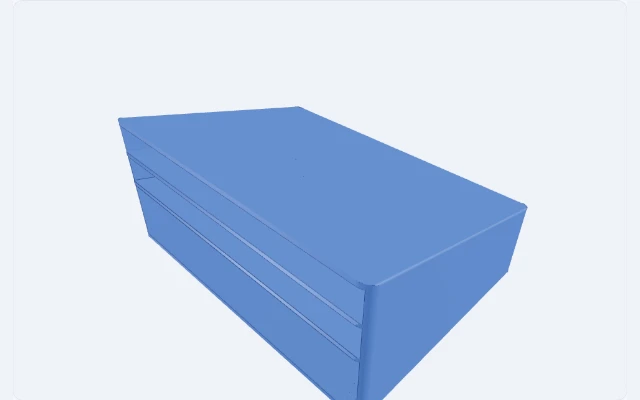
OpenGrid organizer box previewContainer

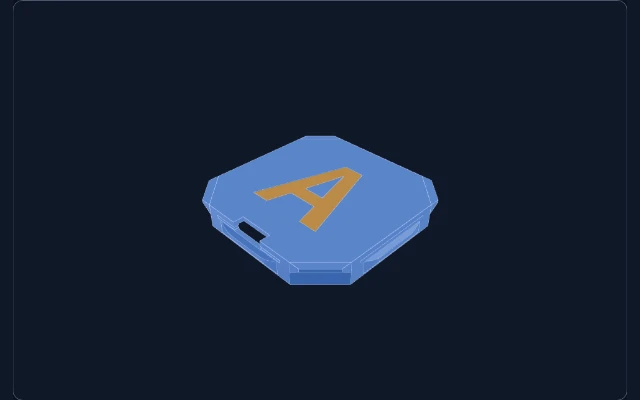
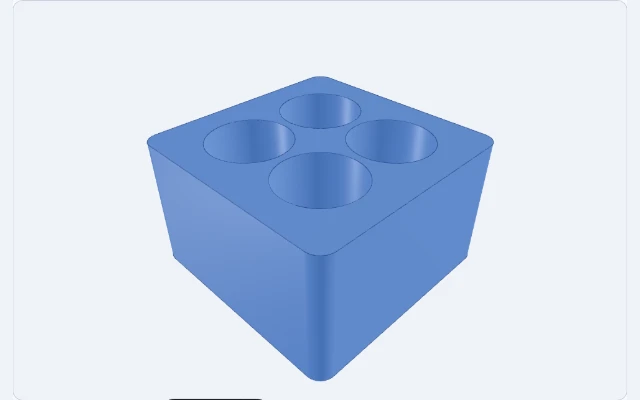
Organizer Box

Cut round or polygon slots on top — batteries and bits finally get a seat.
Desk System
Customize model
Details

Organizer Box

Cut round or polygon slots on top — batteries and bits finally get a seat.

Adjustable parameters and ranges

  • Hole count(X): 1–20 columns
  • Hole count(Y): 1–20 columns
  • Outer-to-outer hole gap(X): 0.5–300 mm
  • Outer-to-outer hole gap(Y): 0.5–300 mm
  • Hole diameter (inscribed for polygons)(D): 1–300 mm
  • Hole width (X)(X): 1–300 mm
  • Hole height (Y)(Y): 1–300 mm
  • Hole corner radius(X/Y): 0–150 mm
  • Hole depth(Z): 1–500 mm
  • Cavity bottom thickness(Z): 0–100 mm
  • Wall thickness(XY): 2–100 mm
  • Stacking clearance(Z): 3.5–500 mm

Export formats: STL (adds dual-color 3MF when the dual-color rim is enabled)

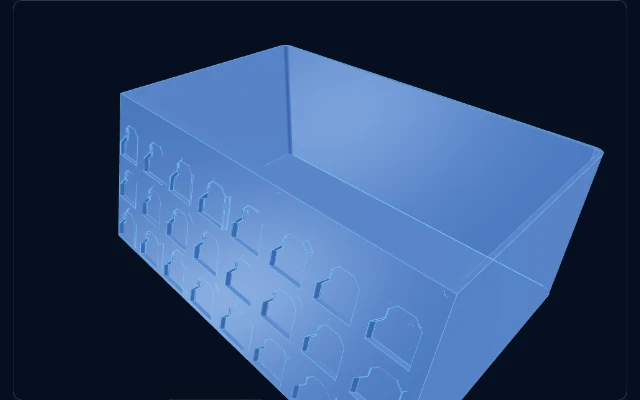
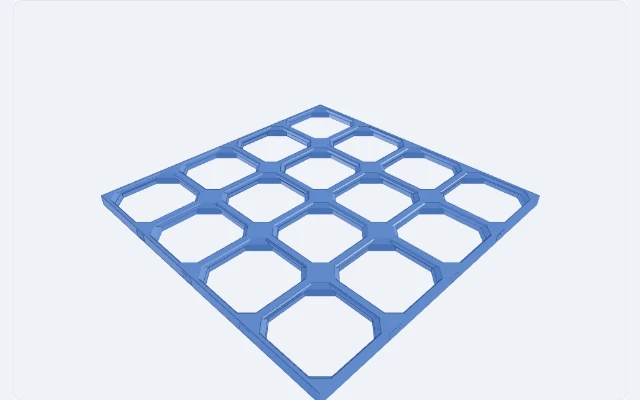
OpenGrid Open Shelf previewContainer

Open Shelf

Front opening, tilted slightly up — you can see everything at a glance.
Desk System
Customize model
Details

Open Shelf

Front opening, tilted slightly up — you can see everything at a glance.

Adjustable parameters and ranges

  • X: 0.5–10 cells
  • Y: 0.5–10 cells
  • Overall height(Z): 10–500 mm
  • X: 1–10 cells
  • Z: 1–10 cells
  • Front opening elevation(Y/Z): 0–75 °

Export formats: STL

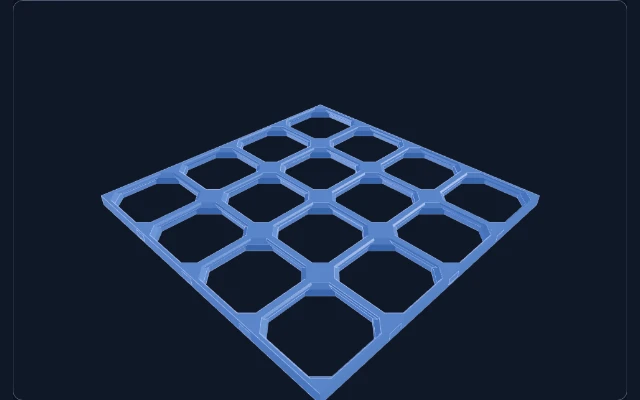
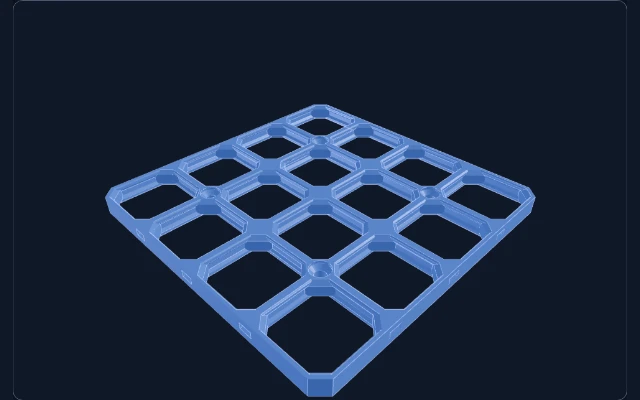
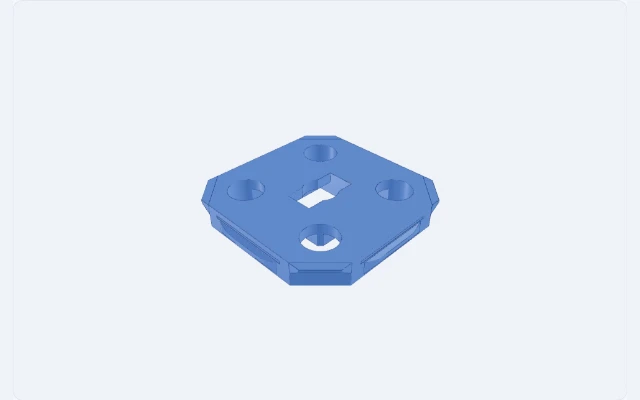
OpenGrid board preview

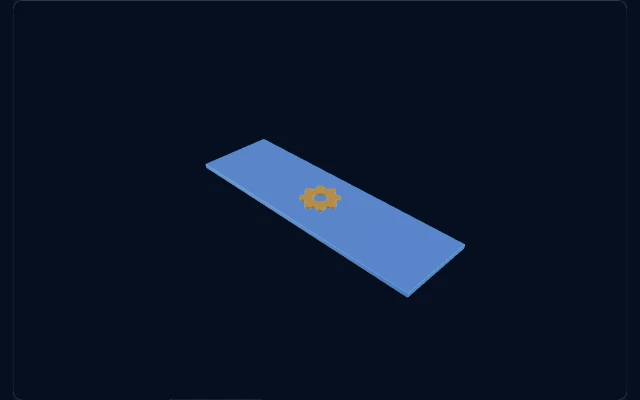
Board

One versatile base plate — pick from four plate types: Full, Lite, Heavy or Hybrid.
BaseDesk System
Customize model
Details

Board

One versatile base plate — pick from four plate types: Full, Lite, Heavy or Hybrid.

Adjustable parameters and ranges

  • Board profile (Full/Lite/Heavy/Hybrid), X/Y cell counts, half-cell directions, chamfers, connector holes, screw-hole mode, and screw dimensions.
  • Profile: Lite 4 mm, Full 6.8 mm, Heavy 13.8 mm (double-sided), Hybrid 13.8 mm (Heavy perimeter / Full inside); X/Y counts are each 1–10 cells, with up to 10.5 displayed cells when a half-cell direction is selected (28 mm grid pitch); chamfers can be none, corners, or everywhere; connector holes can be enabled or disabled with side selection; screw-hole modes are none, corners, everywhere, or by row and column, with row/column intervals of 1–10 plus a center-hole option (the center hole requires at least a 2×2 grid); custom screw dimensions require a through-hole diameter > 0, a head diameter no larger than 28 mm and no smaller than the through-hole, an inset from 0 up to the board thickness, and a countersink angle strictly between 0° and 180°.

Export formats: STL

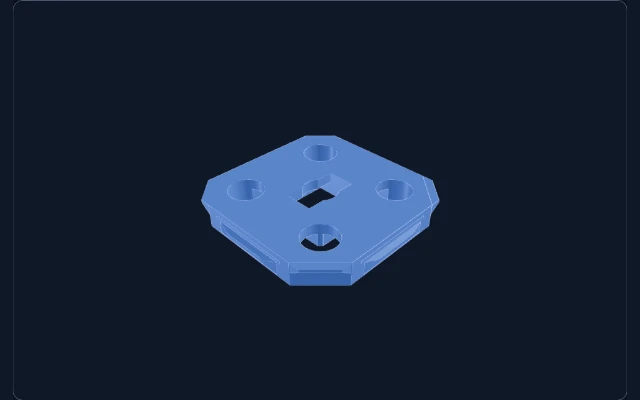
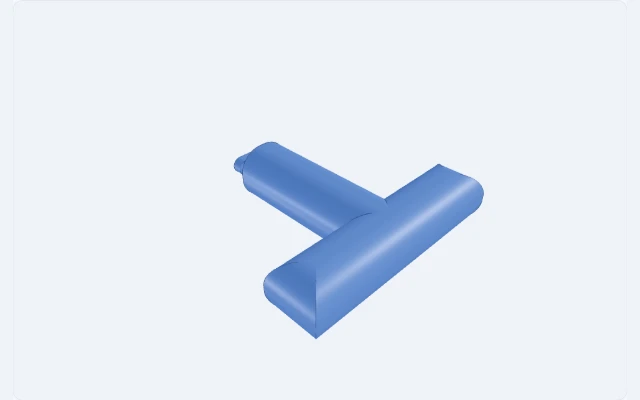
OpenGrid Snap preview

Snap

The little connector between box and Board: Lite/Full, Standard/Directional — take your pick; footprint supports Full/Half/Quarter (Half/Quarter ship a fixed STEP), with optional magnet holes.
BaseDesk System
Customize model
Details

Snap

The little connector between box and Board: Lite/Full, Standard/Directional — take your pick; footprint supports Full/Half/Quarter (Half/Quarter ship a fixed STEP), with optional magnet holes.

Adjustable parameters and ranges

  • Frame increment(X/Y): 0–1 mm
  • Length(X): 1–15 mm
  • Width(Y): 1–15 mm
  • Diameter(XY): 1–15 mm
  • Thickness(Z): 1–6 mm

Export formats: STL

Tools & accessoriesLittle helpers — they hold nothingAssembly tools and accessories live here — expand when you need them.
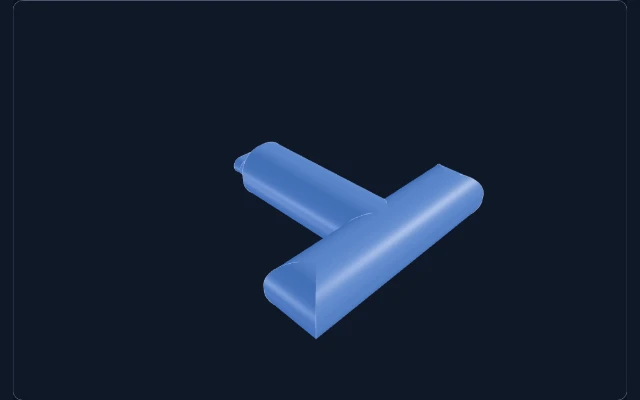
OpenGrid Snap Remover preview

Snap Remover

A tiny helper for popping Snaps out. Fixed shape, nothing to tweak — print one and keep it handy.

ToolDesk System
Customize model
Details

Snap Remover

A tiny helper for popping Snaps out. Fixed shape, nothing to tweak — print one and keep it handy.

Adjustable parameters and ranges

  • Fixed geometry with no adjustable parameters.

Export formats: STL

OpenGrid locking corner seat and locating post preview

Locating Post

A small post that keeps things where you put them; doubles as a locking corner.
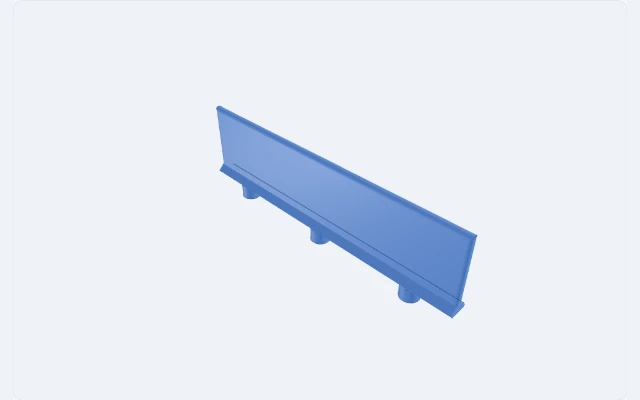
AccessoryDesk System
Customize model
Details

Locating Post

A small post that keeps things where you put them; doubles as a locking corner.

Adjustable parameters and ranges

  • Total length(Z): 3–500 mm
  • XY diameter increment(XY): -1–1 mm
  • Seat locating-section length(Z): 3–100 mm

Export formats: STL

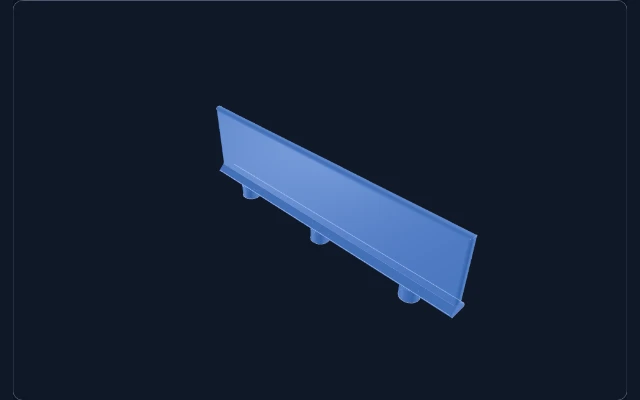
OpenGrid divider preview

Divider

Divide a box however you like. Bottom post defaults to Ø4.9 mm with a 0.2 mm base chamfer.
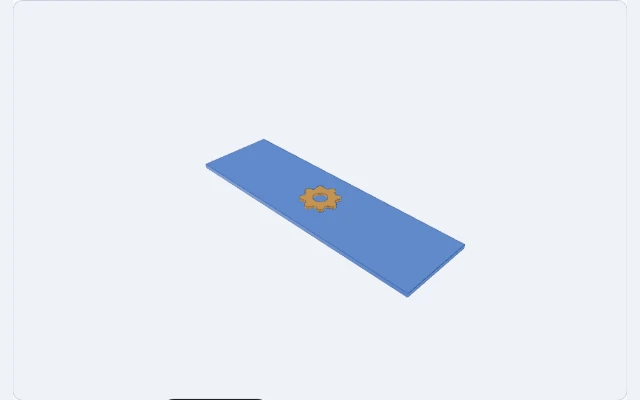
AccessoryDesk System
Customize model
Details

Divider

Divide a box however you like. Bottom post defaults to Ø4.9 mm with a 0.2 mm base chamfer.

Adjustable parameters and ranges

  • Left arm(X): 0–10 cells
  • Right arm(X): 0–10 cells
  • Upper arm(Y): 0–10 cells
  • Lower arm(Y): 0–10 cells
  • Divider wall height(Z): 2–500 mm
  • Upper wall thickness(Z): 1–5 mm
  • Wall grid length: 0.5–17.5 cells
  • End clearance(Z): 0.1–2 mm
  • Corner post diameter increment(XY): -1–1 mm

Export formats: STL (adds dual-color 3MF when the dual-color rim is enabled)

OpenGrid Label Card preview

Label Card

Swap-in dual-color labels on a 10 mm pitch. Text height 2–7 mm, raised or flush, icon left or right.
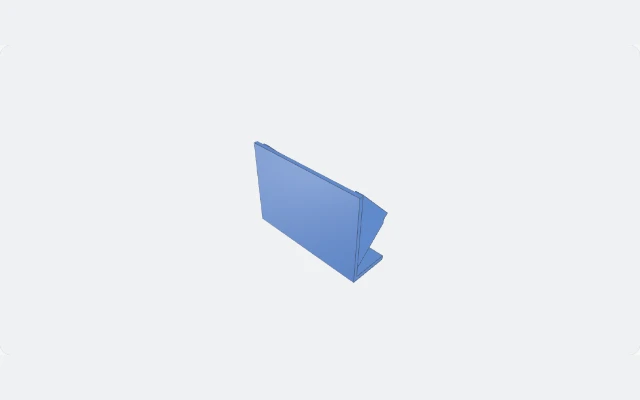
AccessoryDesk System
Customize model
Details

Label Card

Swap-in dual-color labels on a 10 mm pitch. Text height 2–7 mm, raised or flush, icon left or right.

Adjustable parameters and ranges

  • Customize the label card
  • A replaceable card sized in 10 mm units for the organizer front slot. Choose flat or raised styling, an icon, and optional text. Text height is adjustable from 2–7 mm, with independently aligned rows (up to 4 mm each for two rows) and an optional icon on either side. Card mode switches between standard and screw (with head style, size, and length). Two-color printing uses 3MF.

Export formats: STL + dual-color 3MF

OpenGrid Label Ledge Test preview

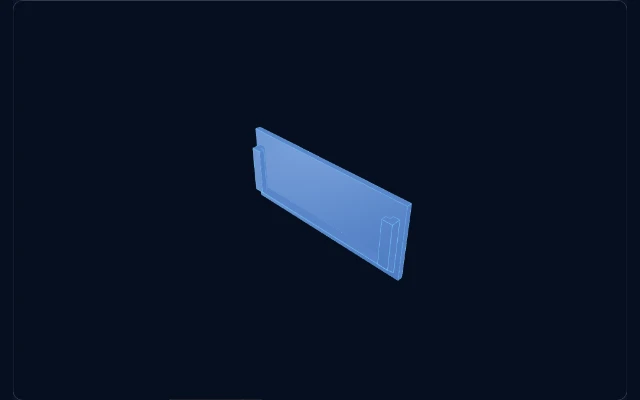
Label Ledge Test

Print one small ledge first to tune card width and snap tightness for the box label.
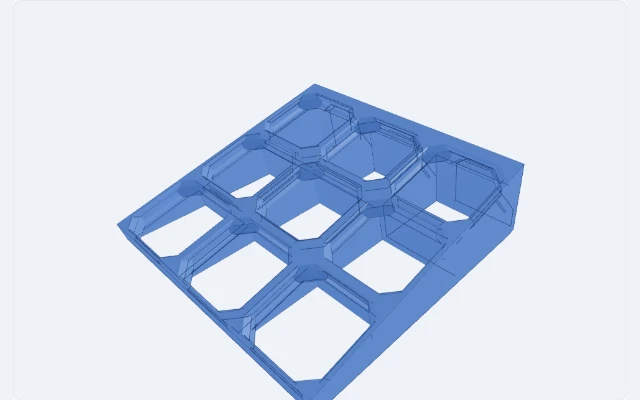
Test pieceDesk System
Customize model
Details

Label Ledge Test

Print one small ledge first to tune card width and snap tightness for the box label.

Adjustable parameters and ranges

  • Label ledge test coupon
  • A short back wall with the same inside label ledge the stackable box uses. Each unit is 10 mm; slide a matching-unit card up the 45° slope from the low edge until it clicks behind the snap bumps, and lift its lower edge through the notch to remove it. Print upright in the supplied orientation. After testing, set the same tightness on the box.

Export formats: STL

Start with a container(Wall System)

Tools are waiting below
ContainersThe ones that actually hold things
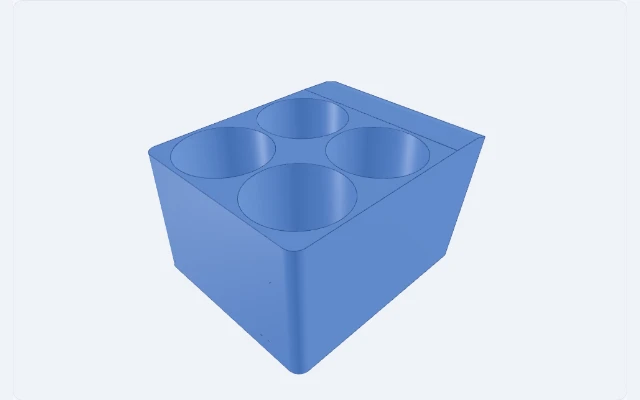
OpenGrid OpenConnect wall shelf previewContainer

OpenConnect Shelf

A wall shelf with adjustable tilt (14° by default) hanging from vertical locking holes.
Wall System
Customize model
Details

OpenConnect Shelf

A wall shelf with adjustable tilt (14° by default) hanging from vertical locking holes.

Adjustable parameters and ranges

  • X: 1–10 cells
  • Y: 1–10 cells
  • Z: 1–10 cells
  • Print-support angle(Y/Z): 1–84 °

Export formats: STL

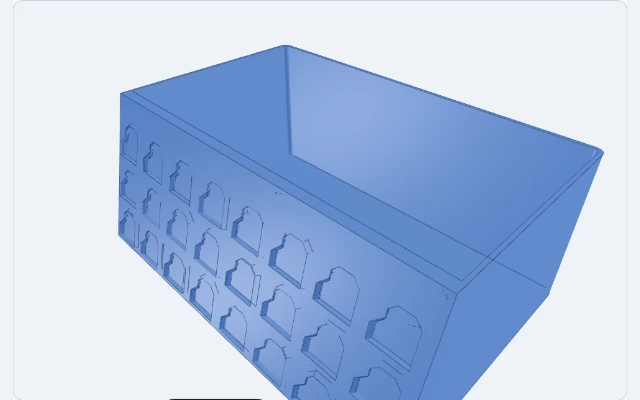
OpenGrid OpenConnect forward-tilted wall organizer previewContainer

OpenConnect Organizer

Hangs straight onto the wall via its back sockets: hole count, spacing, hole shape and tilt are yours to set.
Wall System
Customize model
Details

OpenConnect Organizer

Hangs straight onto the wall via its back sockets: hole count, spacing, hole shape and tilt are yours to set.

Adjustable parameters and ranges

  • Hole count(X): 1–20 columns
  • Hole count(Y): 1–20 columns
  • Outer-to-outer hole gap(X): 0.5–300 mm
  • Outer-to-outer hole gap(Y): 0.5–300 mm
  • Hole diameter (inscribed for polygons)(D): 1–300 mm
  • Hole width (X)(X): 1–300 mm
  • Hole height (Y)(Y): 1–300 mm
  • Hole corner radius(X/Y): 0–150 mm
  • Hole depth(Z): 1–500 mm
  • Cavity bottom thickness(Z): 0–100 mm
  • Cavity-to-edge thickness(X/Y): 0.4–100 mm
  • Opening forward tilt(Y/Z): 0–45 °

Export formats: STL (adds dual-color 3MF when the dual-color rim is enabled)

OpenGrid upward-tilted OpenConnect wall tissue holderContainer

OpenConnect Tissue Box

Opens on top, tissues come out below. Inner size, tilt, corner radius — all adjustable.
Wall System
Customize model
Details

OpenConnect Tissue Box

Opens on top, tissues come out below. Inner size, tilt, corner radius — all adjustable.

Adjustable parameters and ranges

  • Internal size(X): 40–400 mm
  • Internal size(Y): 40–400 mm
  • Internal size(Z): 20–300 mm
  • Upward tilt(Y/Z): 0–45 °
  • Outer corner radius(R): 0–100 mm
  • Wall thickness(X/Y): 1–5 mm
  • Bottom thickness(Z): 1–5 mm
  • Dispensing slot length(X): 7–390 mm
  • Dispensing slot width(Y): 5–390 mm

Export formats: STL

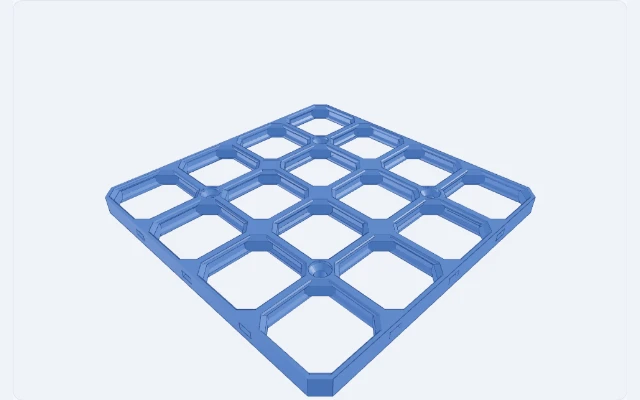
OpenGrid board preview

Board

One versatile base plate — pick from four plate types: Full, Lite, Heavy or Hybrid.
BaseWall System
Customize model
Details

Board

One versatile base plate — pick from four plate types: Full, Lite, Heavy or Hybrid.

Adjustable parameters and ranges

  • Board profile (Full/Lite/Heavy/Hybrid), X/Y cell counts, half-cell directions, chamfers, connector holes, screw-hole mode, and screw dimensions.
  • Profile: Lite 4 mm, Full 6.8 mm, Heavy 13.8 mm (double-sided), Hybrid 13.8 mm (Heavy perimeter / Full inside); X/Y counts are each 1–10 cells, with up to 10.5 displayed cells when a half-cell direction is selected (28 mm grid pitch); chamfers can be none, corners, or everywhere; connector holes can be enabled or disabled with side selection; screw-hole modes are none, corners, everywhere, or by row and column, with row/column intervals of 1–10 plus a center-hole option (the center hole requires at least a 2×2 grid); custom screw dimensions require a through-hole diameter > 0, a head diameter no larger than 28 mm and no smaller than the through-hole, an inset from 0 up to the board thickness, and a countersink angle strictly between 0° and 180°.

Export formats: STL

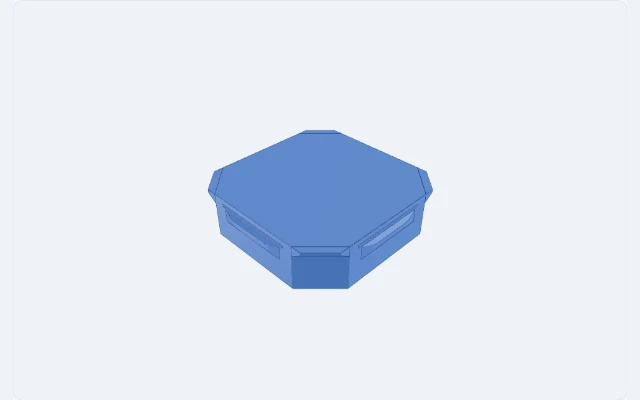
OpenGrid Snap preview

Snap

The little connector between box and Board: Lite/Full, Standard/Directional — take your pick; footprint supports Full/Half/Quarter (Half/Quarter ship a fixed STEP), with optional magnet holes.
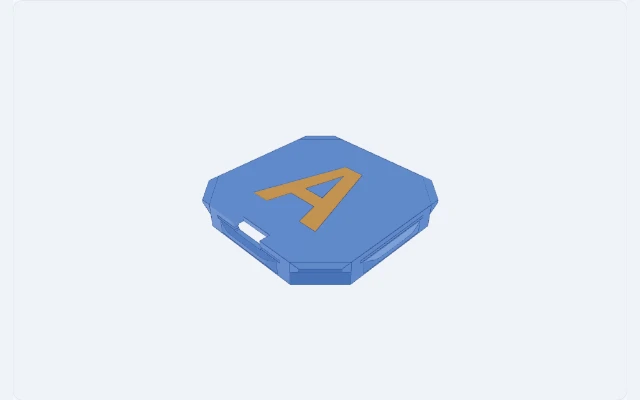
BaseWall System
Customize model
Details

Snap

The little connector between box and Board: Lite/Full, Standard/Directional — take your pick; footprint supports Full/Half/Quarter (Half/Quarter ship a fixed STEP), with optional magnet holes.

Adjustable parameters and ranges

  • Frame increment(X/Y): 0–1 mm
  • Length(X): 1–15 mm
  • Width(Y): 1–15 mm
  • Diameter(XY): 1–15 mm
  • Thickness(Z): 1–6 mm

Export formats: STL

Tools & accessoriesLittle helpers — they hold nothingAssembly tools and accessories live here — expand when you need them.
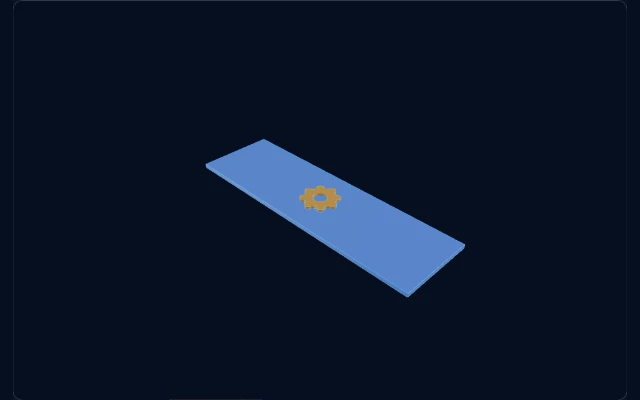
OpenGrid Wall Cover preview

Wall Cover

A dual-color faceplate for the wall — hides the busy bits nicely.
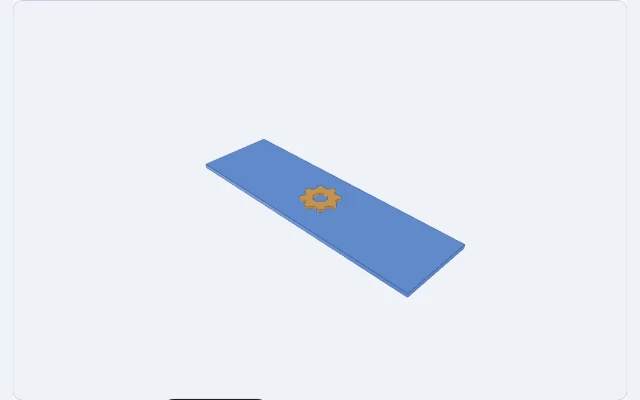
AccessoryWall System
Customize model
Details

Wall Cover

A dual-color faceplate for the wall — hides the busy bits nicely.

Adjustable parameters and ranges

  • Custom Wall Cover text
  • Each character creates one independent, flat two-color cover. Whitespace is ignored; enter up to 8 characters. Choose whether to keep the remover hole.

Export formats: dual-color 3MF (no STL for this model)

OpenGrid Label Card preview

Label Card

Swap-in dual-color labels on a 10 mm pitch. Text height 2–7 mm, raised or flush, icon left or right.
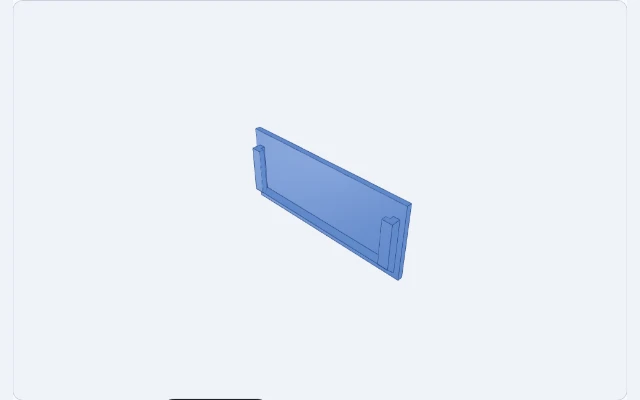
AccessoryWall System
Customize model
Details

Label Card

Swap-in dual-color labels on a 10 mm pitch. Text height 2–7 mm, raised or flush, icon left or right.

Adjustable parameters and ranges

  • Customize the label card
  • A replaceable card sized in 10 mm units for the organizer front slot. Choose flat or raised styling, an icon, and optional text. Text height is adjustable from 2–7 mm, with independently aligned rows (up to 4 mm each for two rows) and an optional icon on either side. Card mode switches between standard and screw (with head style, size, and length). Two-color printing uses 3MF.

Export formats: STL + dual-color 3MF

OpenGrid Label Slot Test preview

Label Slot Test

Print one small slot first and check the label fit — saves filament.
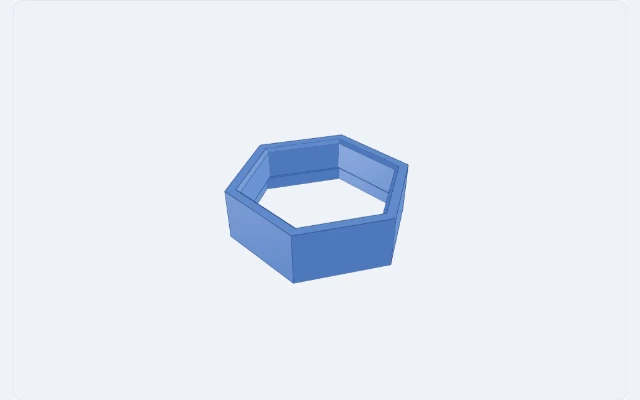
Test pieceWall System
Customize model
Details

Label Slot Test

Print one small slot first and check the label fit — saves filament.

Adjustable parameters and ranges

  • Label slot test coupon
  • A thin back wall with the organizer’s integrated slot, without clips or wall connectors. Each unit is 10 mm; insert a matching card from above. Print upright in the supplied orientation to test the rails and bottom slope; add a brim if needed for adhesion.

Export formats: STL

Start with a container(Other)

ContainersThe ones that actually hold things
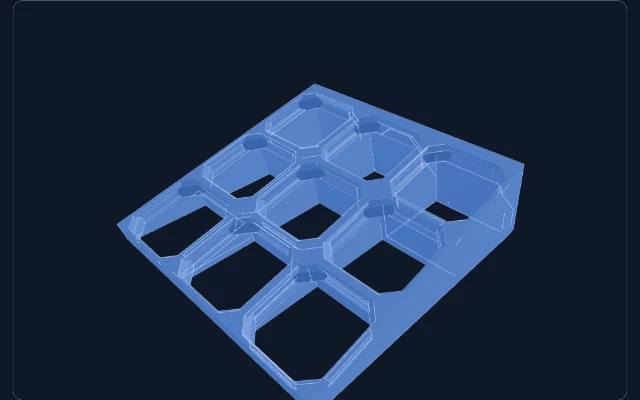
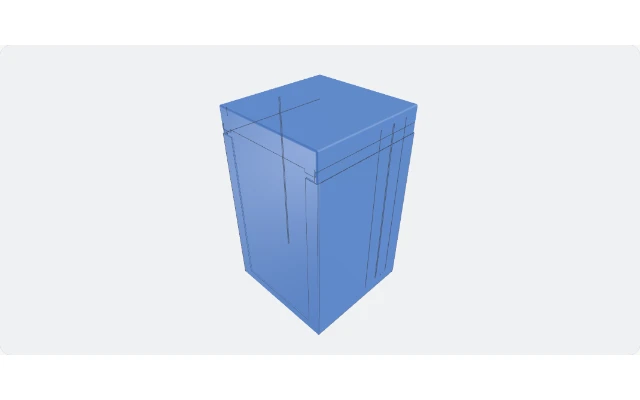
HSW hexagonal honeycomb previewContainer

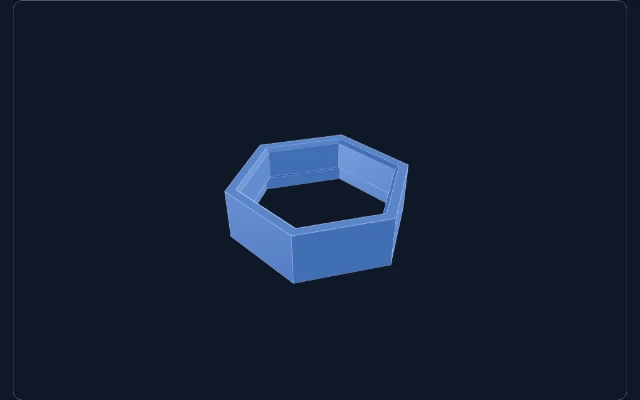
Hexagonal Honeycomb

The fixed-size hexagon unit of the HSW honeycomb; stagger them and go.
Customize model
Details

Hexagonal Honeycomb

The fixed-size hexagon unit of the HSW honeycomb; stagger them and go.

Adjustable parameters and ranges

  • Y: 1–20 cells
  • X: 1–20 cells

Export formats: STL

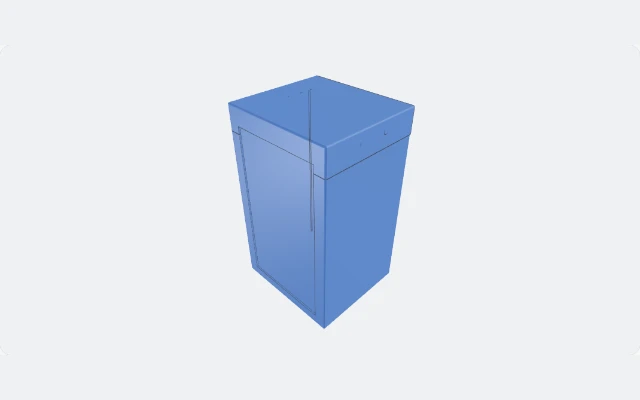
Card box previewContainer

Card Box

A parametric storage box for trading cards with a sliding lid, an optional label divider, and a printed label cover.
Customize model
Details

Card Box

A parametric storage box for trading cards with a sliding lid, an optional label divider, and a printed label cover.

Adjustable parameters and ranges

  • Card width(X): 40–100 mm
  • Card height(Z): 60–150 mm
  • Storage depth(Y): 20–150 mm

Export formats: STL (adds dual-color 3MF when the dual-color rim is enabled)

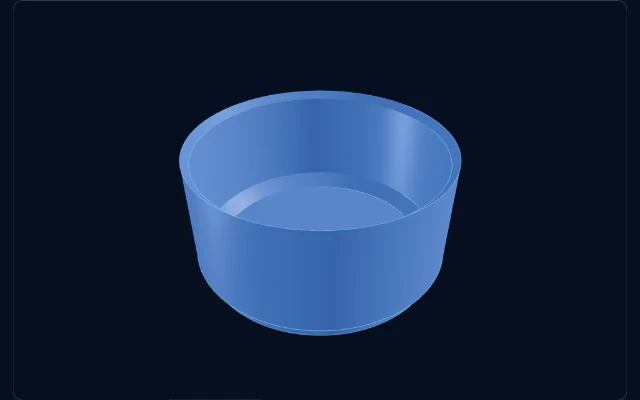
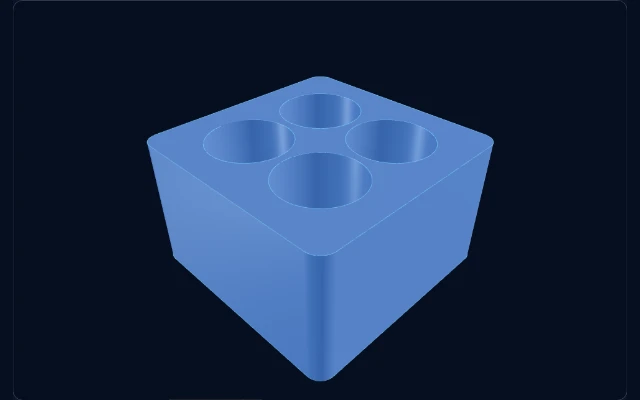
Game box previewContainer

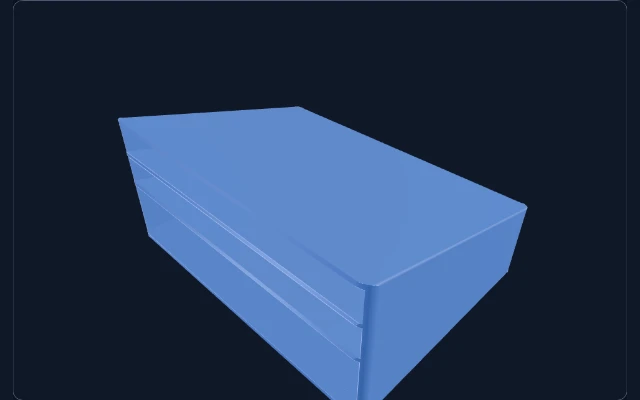
Game Box

A storage box whose depth follows the modules you stack: card compartments and dice trays in a sliding-lid box.
Customize model
Details

Game Box

A storage box whose depth follows the modules you stack: card compartments and dice trays in a sliding-lid box.
Adjustable parameters and ranges

  • Card width(X): 40–100 mm
  • Card height(Z): 60–150 mm

Export formats: STL